FROM YOUR PHONE TO SOMETHING YOU CAN KEEP
How it works. Choose a comic, a printed memory book or both. Start with a few words about the story you want to tell.
Two ways to tell your story Comic
Send your story. Tell us which chats and scenes you want to turn into panels.See the sketch. We plan the scenes, sequence and style.Approve the preview. Review the panels and confirm the details together.Get the final comic. We finish the pages in the format we agree on. Memory Book
Choose a book package. Pick a page count and tell us who the book is for.Gather your memories. Collect photos, chat excerpts, call screenshots, dates and notes.Review the design. Check the wording, layouts and photos with the studio.Confirm printing and delivery. Agree on the final design, price and delivery details on WhatsApp. BEFORE YOUR BOOK BEGINS
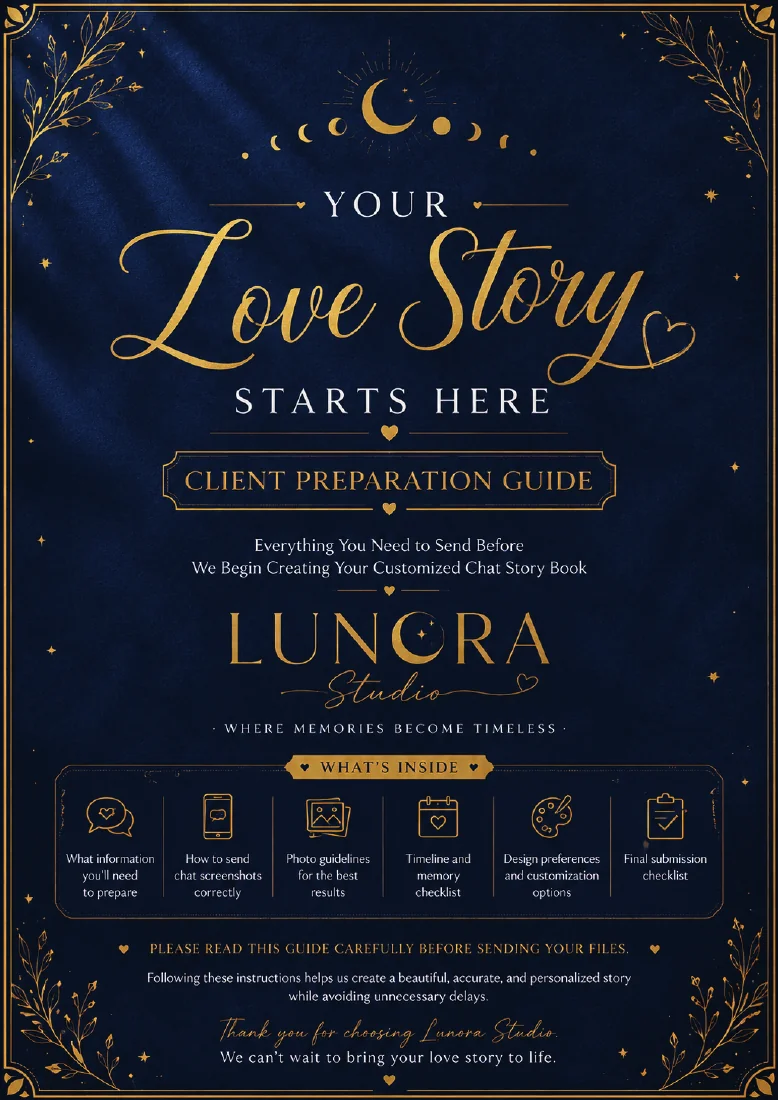
A little preparation.story. Keep the chats, pictures, dates and notes you would like to include together. The studio's preparation guide helps you think about the moments that matter.
Your first enquiry only needs a short description. Book materials can be discussed with the studio afterwards.
Let’s Create From the Lunora client preparation guide
What to gather before you start.
You only need a short idea for the first message. When you are ready to share more, this list can help you choose.
For your first message Who the keepsake is for and the occasion, if there is one. Whether you are leaning toward a comic, a printed book, or both. One or two memories that sum up the story. The date you have in mind, so you can discuss the timing. For the design conversation The chats, call screenshots or dates you want to feature. Photos and notes that add context to those moments. The order you want things to appear in, if it matters. Any details you would like to leave out.
What to check in your preview.
For a comic Check which scenes appear, whether the panels are in the right order, and whether the speech bubbles say what you want them to say.
For a printed book Check the spelling of names and dates, the picture choices, and how the chats, photos, and notes are arranged.
Confirm your final scope, price, timeline, and delivery with the studio before placing your order.
Before you order.
What if I haven’t picked a style or page count? Leave the optional style or package field blank on Let’s Create. Include your idea so the studio can discuss the options with you.
How do I share photos or long chats? Send a short enquiry first. Use your WhatsApp conversation with the studio to discuss what to share and how to send it.
Is my order confirmed when I send the first message? Your message starts the conversation. The studio confirms the format, price, timing, and payment arrangements with you.